
Download Audials One 2024 – Stream Recording, Media Management, Podcast Access, Live TV, Music Recording, Radio Recording, Multimedia Tool
Overview
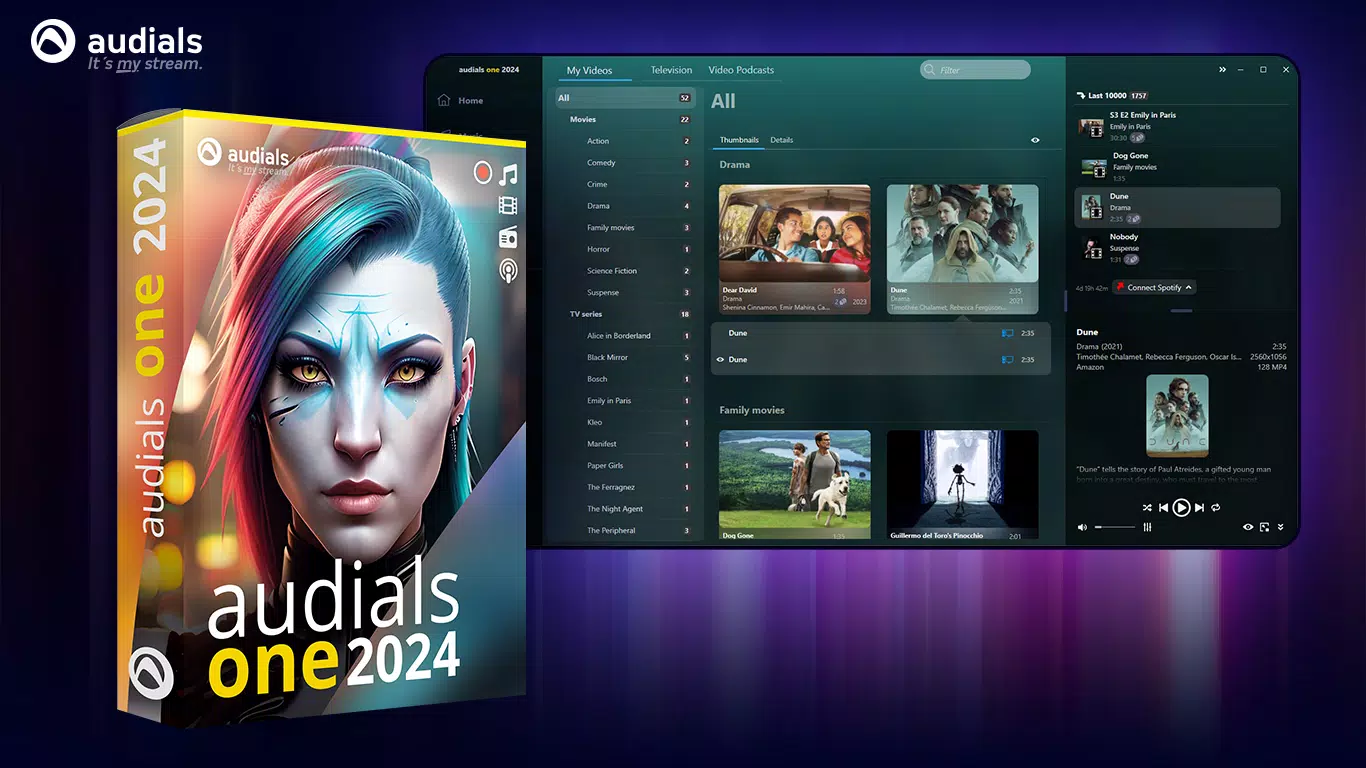
Audials One 2024 is a robust multimedia tool designed for users seeking to capture, organize, and manage streaming content across music, radio, live TV, and podcasts. The application serves as a centralized platform for recording high-quality media from various online sources, making it ideal for individuals who want to preserve their favorite audio and video content for offline use. Its primary purpose is to simplify the process of media acquisition and library curation, eliminating the need for multiple tools or complex workflows. The software targets media enthusiasts, digital archivists, and users who frequently consume content from streaming platforms but desire greater control over their media collection.
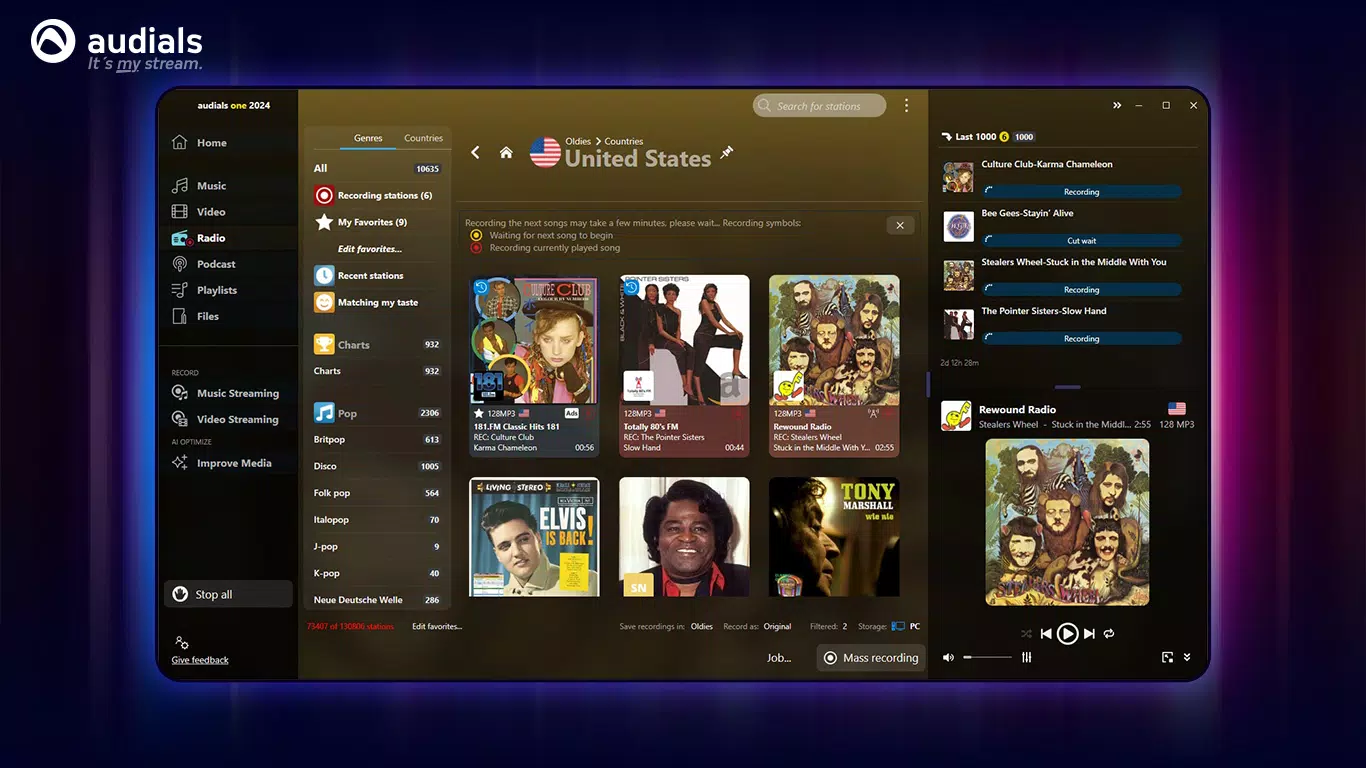
With access to over 100,000 radio stations and millions of podcasts, Audials One 2024 offers extensive entertainment options, ensuring users have a constant stream of content regardless of time or location. It supports the recording of live broadcasts and on-demand programming, enabling users to build personal archives of favorite shows, concerts, or news segments. The software also allows for the creation of custom playlists and efficient file transfers to mobile devices, enhancing accessibility across platforms. Although the developer did not provide additional technical details, the application is built for the Windows platform and requires specific Microsoft runtime components for optimal performance.
Given its focus on content preservation and organization, Audials One 2024 fills a niche in the digital media ecosystem by bridging the gap between streaming convenience and offline ownership. It is particularly valuable for users who value media autonomy and wish to maintain long-term access to content that may be subject to licensing changes or platform restrictions.
Key Features & Functionality
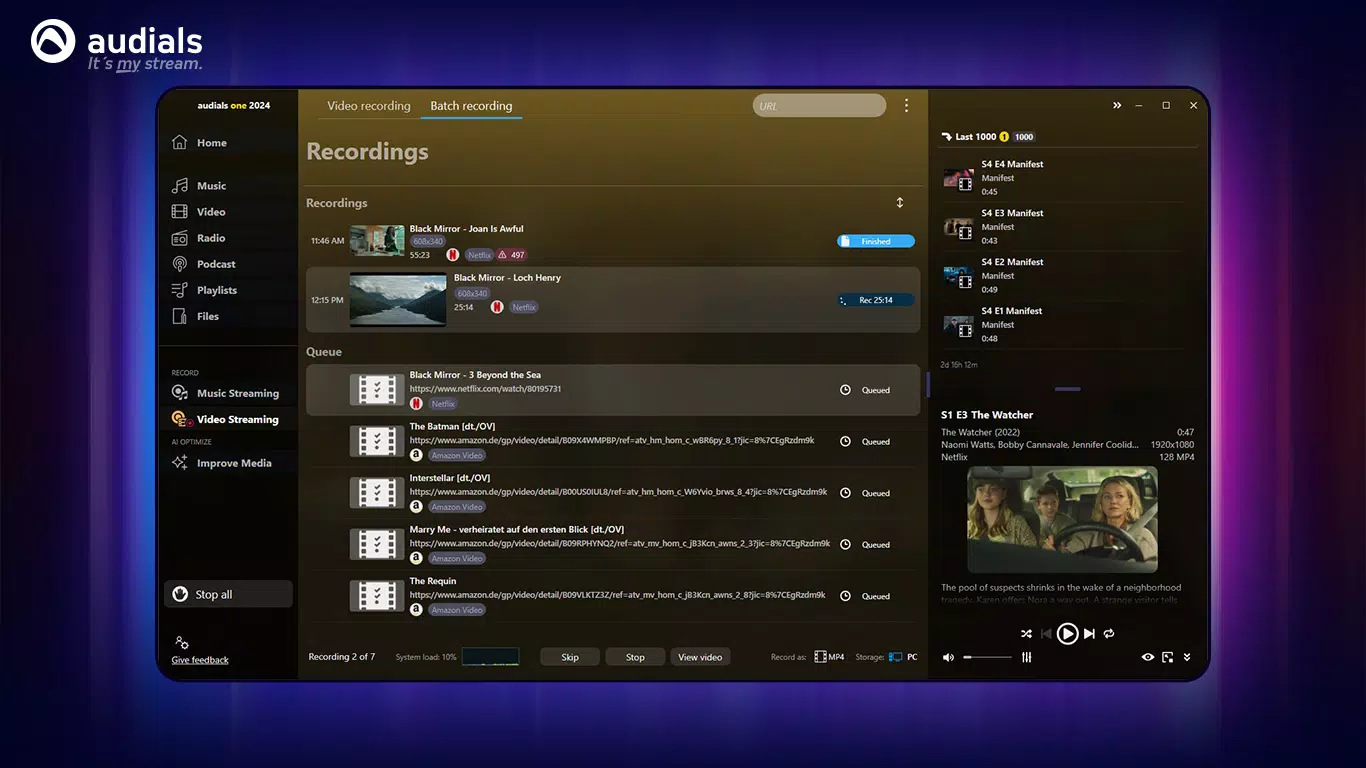
- Stream Recording: Audials One 2024 enables users to capture live music streams, radio broadcasts, and video content from streaming services with precision. Recordings are automatically trimmed to remove silence and ensure clean file output, preserving audio and video quality without degradation.
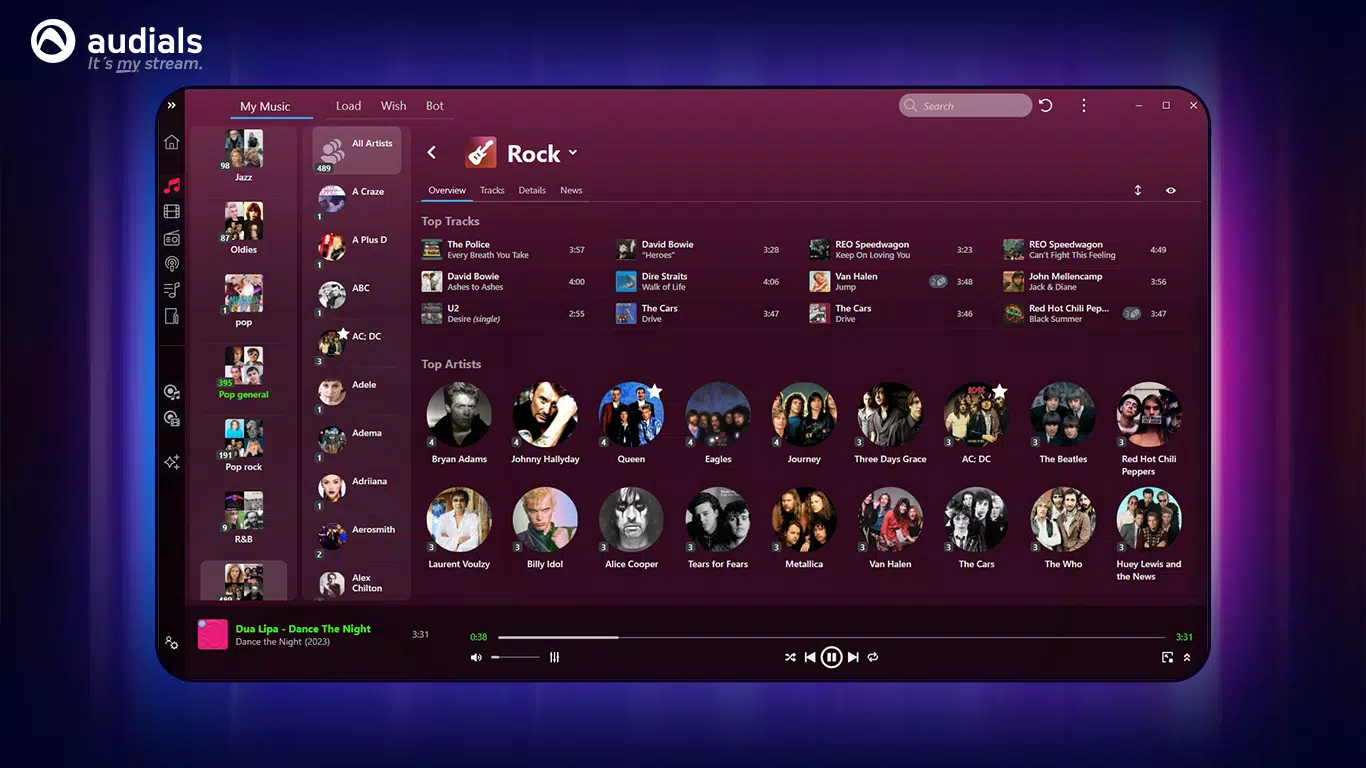
- Media Organization: The software includes tools for creating and managing playlists, sorting media by metadata, and tagging files for easier retrieval. Users can organize their library based on genre, date, or custom categories, streamlining access to preferred content.
- Multi-Format Support: Recorded media can be exported in various formats, allowing compatibility with different devices and media players. This flexibility ensures that users can transfer files seamlessly to smartphones, tablets, or dedicated audio systems.
- Live TV and Podcast Access: With access to over 100,000 radio channels and millions of podcasts, the application provides continuous entertainment across genres and languages. Users can schedule recordings for live broadcasts or download on-demand episodes for offline listening.
- Device Integration: The software supports direct transfer of recorded files to connected smartphones or storage devices, enabling users to enjoy their media on the go without relying on cloud services.
For example, a user could record a live concert broadcast from a streaming music platform and automatically convert it into a high-quality MP3 file, which is then added to a curated playlist and transferred to a mobile device for offline playback. Similarly, a podcast enthusiast might schedule weekly recordings of their favorite shows and organize them into thematic folders for easy access.
Interface, UX & Performance
The interface of Audials One 2024 is designed with usability in mind, offering a clean layout that separates core functions such as recording, playback, and library management. Navigation is intuitive, with clearly labeled menus and visual indicators for active recordings and file status. The application’s visual style emphasizes functionality over ornamentation, allowing users to focus on content rather than interface distractions.
Although the developer did not list formal performance metrics, the software is reported to operate efficiently on modern Windows systems. Responsiveness is consistent during recording sessions, and the application maintains stability even when managing multiple concurrent tasks. Users can expect smooth transitions between recording, organizing, and transferring media, with minimal lag or crashes under normal usage conditions.
Performance may vary depending on system specifications, particularly when handling high-bitrate video recordings or large-scale library operations. However, the requirement for Microsoft Visual C++ Redistributable and .NET 6.0 suggests a focus on system-level optimization and long-term stability. The software is not designed for mobile platforms, so its interface is tailored exclusively for desktop environments.
Platform Compatibility & Technical Requirements
Audials One 2024 is exclusively available for the Windows platform. It is designed to run on modern Windows operating systems, though specific minimum OS requirements were not listed by the developer. The application has a file size of 3.8 GB, indicating a comprehensive installation with multimedia processing tools and runtime dependencies.
Users are required to install essential Microsoft packages, including the Visual C++ Redistributable and .NET 6.0, to ensure proper functionality. These dependencies are standard for many Windows applications and contribute to the software’s stability and performance. The software version is 2024, suggesting a recent update with current features and compatibility improvements.
While the developer did not specify compatibility with older Windows versions, the application is likely optimized for Windows 10 and Windows 11. No information was provided regarding support for alternative platforms such as macOS, Android, or iOS. As such, users on non-Windows systems will not be able to install or use Audials One 2024.
Pros and Cons
Pros
- Comprehensive stream recording for music, radio, and video content
- Extensive access to live TV, radio, and podcast libraries
- Efficient media organization with playlist and tagging tools
- Supports multiple export formats for device compatibility
- Direct file transfer to mobile devices for on-the-go access
Cons
- Demo version limits recordings to 10 minutes per session
- Requires installation of additional Microsoft runtime packages
- Not available on mobile platforms such as Android or iOS
- Large file size (3.8 GB) may be a concern for users with limited storage
- Targeted only at Windows users, limiting cross-platform accessibility
FAQ
Is Audials One 2024 available for Android or iOS?
Audials One 2024 is currently only available for the Windows platform. The developer did not provide information on mobile versions, and no official releases exist for Android or iOS devices.
Can I use Audials One 2024 to record copyrighted content?
Users should be aware that recording content from streaming services may be subject to copyright laws and platform terms of service. The software is designed for personal, non-commercial use, and users are responsible for ensuring compliance with applicable regulations.
What are the system requirements for Audials One 2024?
The developer did not specify minimum system requirements. However, the application requires Microsoft Visual C++ Redistributable and .NET 6.0 to function properly, and a modern Windows system is recommended for optimal performance.
Does Audials One 2024 support automatic playlist creation?
Yes, the software includes tools for creating and managing custom playlists. Users can organize their media library by genre, date, or custom tags, and automatically generate playlists based on specific criteria.
How often does Audials One 2024 receive updates?
As a versioned application (2024), Audials One is likely updated annually. The developer did not provide details on update frequency, but users can expect new features and compatibility improvements with each major release.
Final Thoughts
Audials One 2024 stands out as a powerful multimedia tool for Windows users who prioritize content control and long-term media management. Its ability to record high-quality streams, organize vast libraries, and transfer files to mobile devices makes it a valuable asset for media enthusiasts and digital archivists alike. While the demo version imposes a 10-minute recording limit and the software is restricted to Windows, the full version offers compelling functionality for those seeking a unified solution for music, radio, TV, and podcast access.
For users who frequently consume streaming content and wish to build a personal media archive, Audials One 2024 delivers strong value. Its integration with essential Windows runtime components ensures stability, and its clean interface enhances usability across all tasks. Despite its limitations in platform availability and storage footprint, the software remains a top-tier option in its category.
Download Audials One 2024 now


